A round desk display for your assistant.
It shows what your assistant is doing. When the assistant needs a yes or no, the question appears on the glass. You answer with one button. There is no microphone and no touch screen.
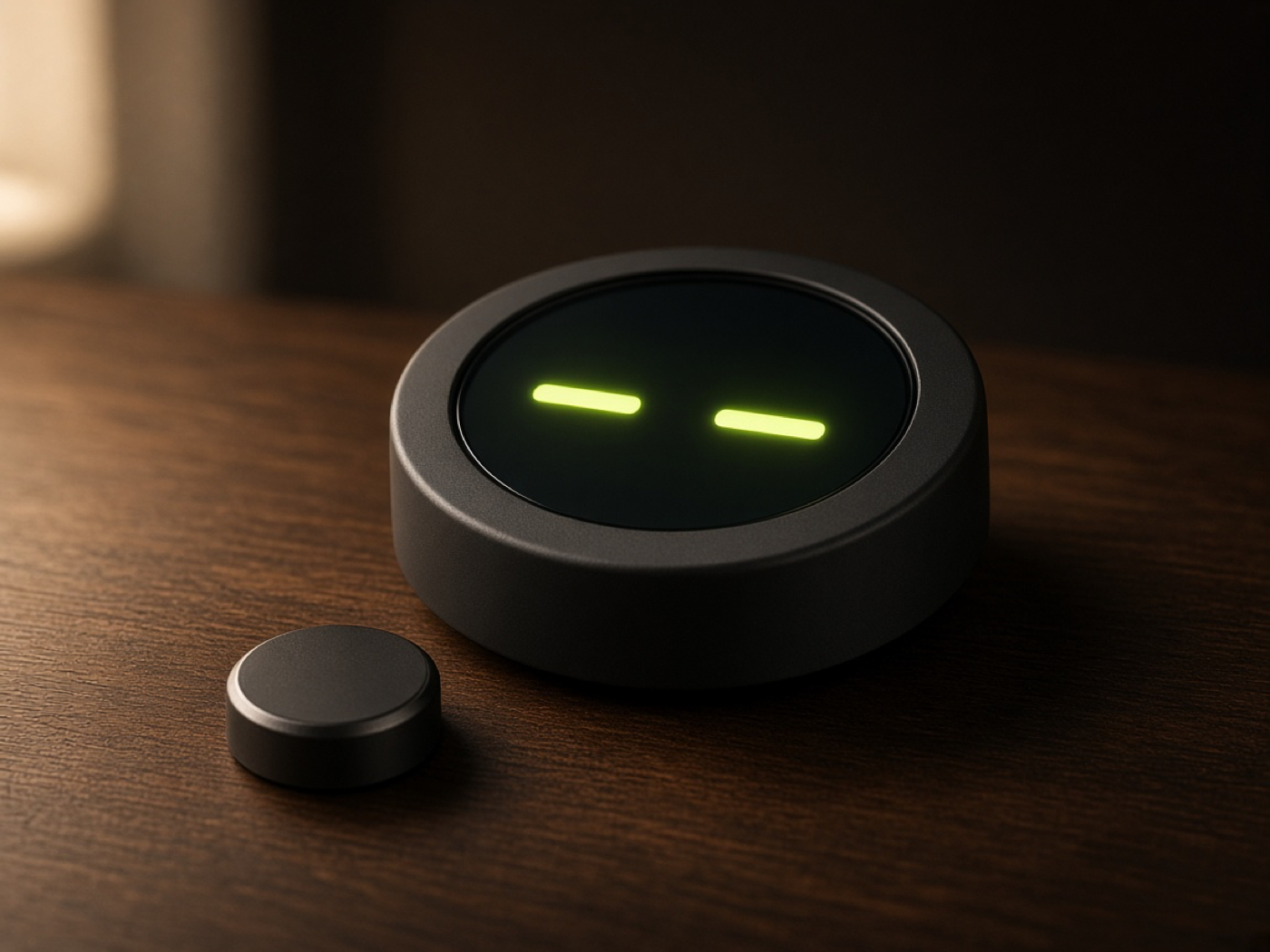
1× yes · 2× no · hold to undo
The space bar does the same.
What it shows
One state at a time. The words stay short.
-
idle
Nothing happening.
-
thinking
thinking
Reasoning or planning.
-
Writing the report
working
A short activity label.
-
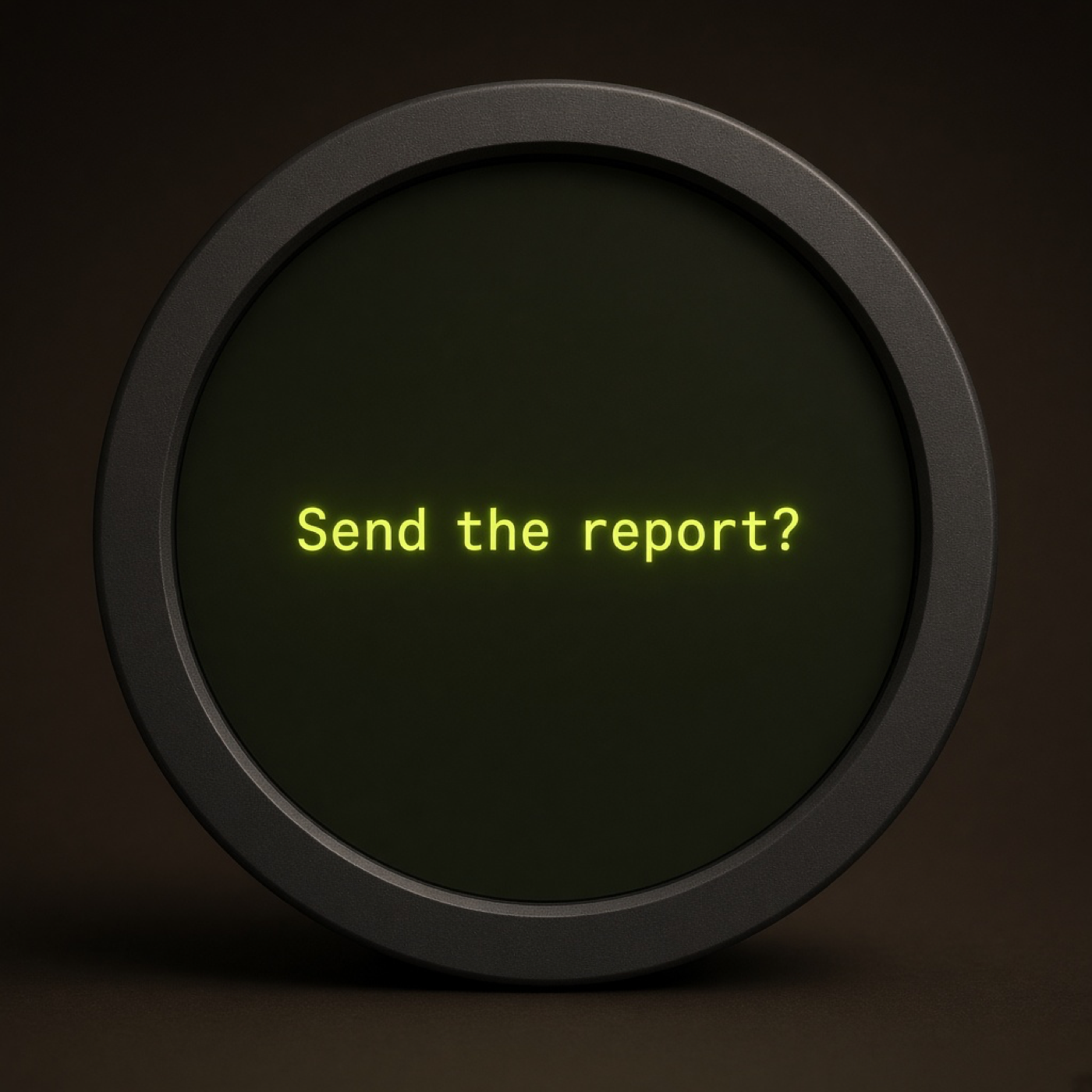
Send the report?
waiting
A yes or no question.
-
done
done
The task finished.
-
error
error
Something failed.
-
z z z
sleeping
Quiet hours, or off.
One button
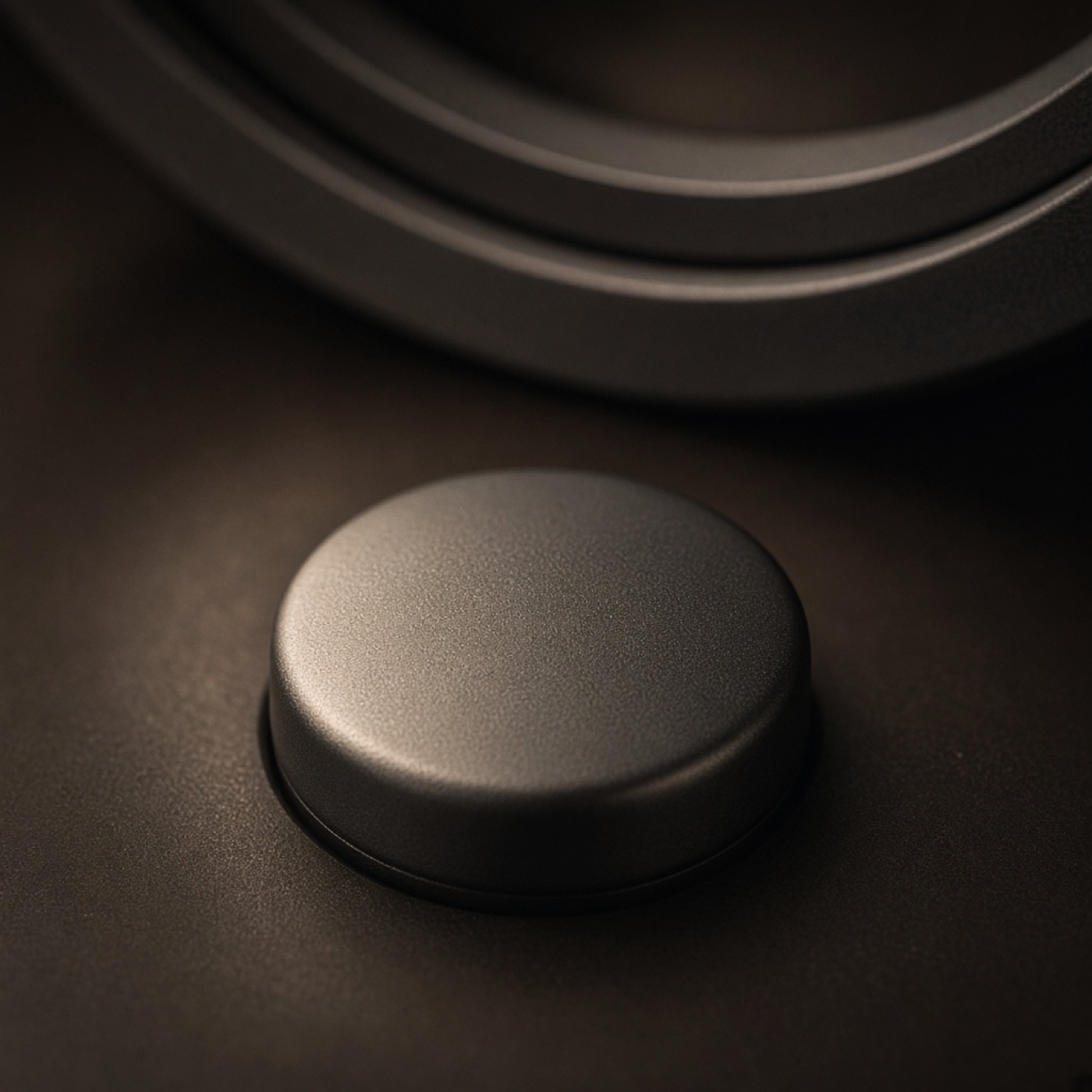
A single press is yes, once it is sure you are not pressing again. Two presses is no. Hold during the ring to take it back.
-
One press
Yes. The display waits 350 milliseconds, in case a second press is coming.
-
Two presses
No. The second press has to start within 350 milliseconds of letting go.
-
Hold the ring
Undo. After you choose, a ring runs for 3 seconds. Holding for 800 milliseconds cancels the choice and shows the question again.
How a question leaves the desk
The assistant asks. You answer on the desk. The decision goes back with the context it saved.
-
Pair
The screen shows a code, like K7Q-4MX2. You tell your assistant. The code works once, and it expires after 10 minutes.
-
It asks
Only for a real decision. Yes does the thing. No leaves it alone.
-
You answer
One press or two. When the ring finishes, the answer goes back with the context the assistant saved, so a later run can continue.
Quiet on purpose
The display stays calm while the assistant works.
-
A few updates
About three to six for a whole task. Not one for every step.
-
Short words
A single line. No secrets, no personal data, and no message contents on the glass.
-
No is safe
The question is phrased so yes is the action and no is the default.